FRL Mods 2026: Popular FR Legends Mods, Cars, Tracks & Livery Codes
FR Legends comes with its own cars, tracks, and customization tools, but a lot of what players actually use in their games comes from the community creators rather than the game’s developer. FRL Mods have become one of the easiest ways for players to expand the game beyond its standard with new cars, bodykits, tracks, livery designs and customization options. This guide covers the main categories of mods available right now, gives specific examples where useful, and explains how to install, troubleshoot, and check compatibility without running into avoidable problems.
What Are FRL Mods
FRL Mods is commonly used as a short name for FR Legends Mods, meaning community-created modifications and custom content for the drifting game FR Legends MOD APK. Depending on the release, an FRL mods change a car model, add a body kit, replace textures, introduce a custom map, add wheels, modify sounds, livery codes, or provide other visual and gameplay-related changes. Since this content is made independently rather than by the game’s developer, the quality, features, and compatibility of each mod depend entirely on the person who created it.
Best FRL Mods to Check Out
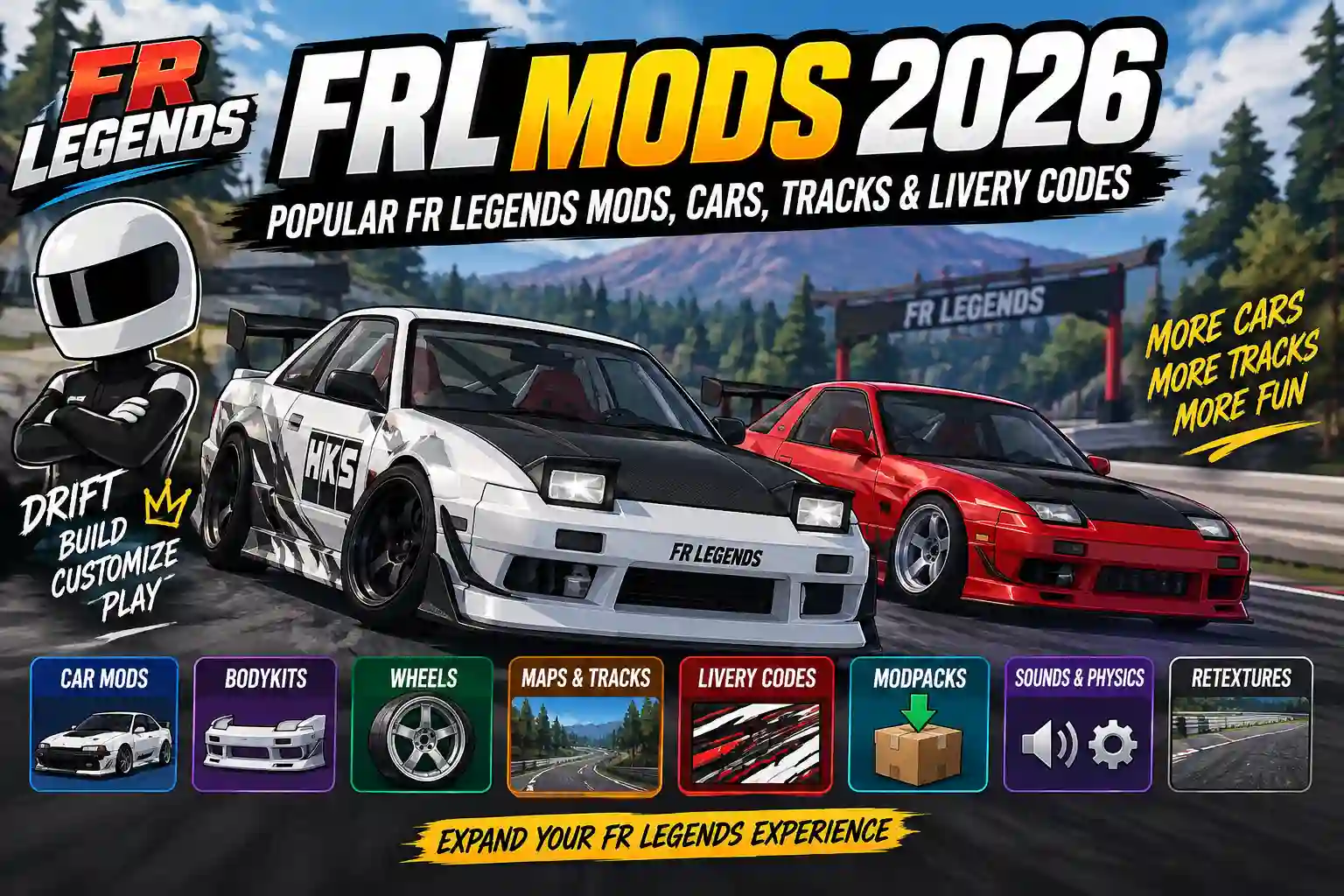
FRL Mods give you plenty of ways to change how your FR Legends game looks, feels, and plays. From custom cars and bodykits to wheels, maps, sounds, and retextures, there are mods for almost every type of build. Below are some of the most popular FR Legends mods worth checking out.
FR Legends Car Mods
FR Legends car mods add or replace vehicle content. Community libraries currently include conversions and custom cars covering everything from Japanese drift cars to vehicles outside the game’s usual JDM focus. A handful of car mods come up often in community listings, each offering something a little different.
- Nissan Skyline R34 mod
- Toyota Supra MK4 mod
- Mazda RX-7 mod
- Toyota AE86 mod
- BMW E30 or E36 mods
- Nissan S13 and S14 mods
- Nissan 180SX mods
- Toyota Altezza mods
- Corvette C5 mods
None of these is objectively the best choice, it depends on the kind of car and driving style you’re after. As with any car mod, check the version it was built for and follow the creator’s specific installation notes.
Bodykit Mods
A bodykit mod changes the appearance of an existing car without necessarily turning it into a completely different vehicle. Current examples include AE86 bodykit packs, an S15 bodykit modification, a paintable drag wing, and a 326POWER 3D★STAR kit for the 180SX. These are particularly useful if you already like the handling of a stock FR Legends car but want more freedom with bumpers, spoilers, aero or stance.
Wheel Mods
Wheel mods are a simple way to change the character of a build. Current community releases include large packs containing JDM, European and racing-style wheel designs. One FRLMods wheel pack, for example, includes designs associated with Advan, Work, SSR, Volk and other brands. These are especially useful when combined with bodykits, lowered suspension and custom liveries.
Physics and Sound Mods
Physics mods attempt to change how a car feels, including aspects such as tire grip, drift angle or handling behavior. Sound mods can change engine or other audio elements. Current community listings also show sound-system modifications for cars such as the 180SX and Altezza that were updated for 0.4.7. A visual change may have little effect on gameplay, while a physics modification can change the entire driving experience.
Map and Track Mods
FR Legends map mods and FR Legends track mods change where you drive. Community maps range from mountain roads and touge layouts to highways and racing circuits. Current FRLMods listings include maps such as Ashinoko Skyline, Osaka Hanshin Expressway and Tsubaki Line, with releases specifically labeled for version 0.4.8. The distinction between a map and a track is not always consistent across community sites. In practice, look at what the individual download changes and which game version it supports.
FR Legends Modpacks
A modpack bundles multiple modifications into a single download, but what’s actually inside depends entirely on the person who made it . There’s no standard combination you can expect across every pack. Before installing a modpack, look at what’s included, whether it matches your game’s version, the installation instructions provided, the file size, and any dependencies it needs to work correctly. Skipping this step makes it harder to figure out which part of the pack is causing a problem if something doesn’t work later.
Retexture Mods
Retexture mods focus on visual appearance. They can change environmental surfaces, lighting-related visuals, car details or other textures without necessarily adding a completely new model. FRLMods currently lists several version 0.4.8 retexture projects, including S13 lighting changes, NKC visual work and Hiroshima retexture content.
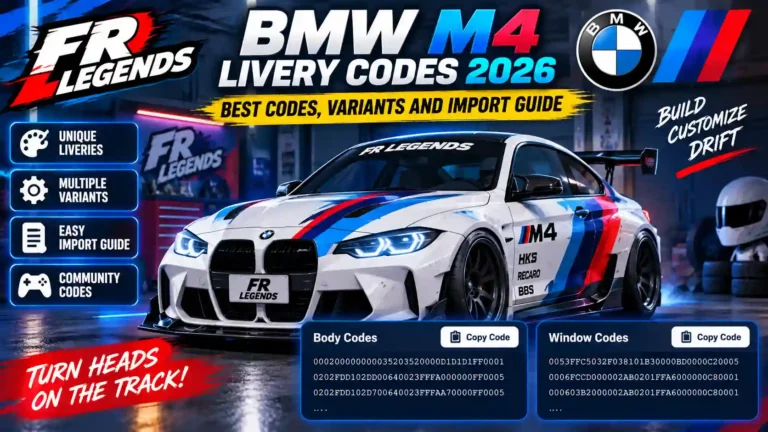
FR Legends Livery Codes
A livery code lets you import a shared paint design into the game’s livery editor instead of building the design yourself. Someone creates a livery, generates a code for it, and shares that code so other players can apply the same look to their own car.
If a code doesn’t work, there’s no single guaranteed cause. A few common reasons include the code being copied incorrectly, the code being intended for a different car, an incompatible setup, an outdated code that hasn’t been updated for a newer game version, missing details from the original creator’s instructions, or differences between livery editor versions. If a livery code isn’t applying correctly, it’s worth checking each of these possibilities rather than assuming the code itself is broken.
How to Use a Livery Code
- Open the car the livery was made for.
- Go into the livery or paint editor.
- Find the import option inside the editor.
- Enter the shared livery code.
- Apply the design to your car.
- If the creator shared a preview image, compare your result to it to confirm it applied correctly.
How to Install FR Legends Mods
Installation depends on the type of modification. This is one area where you should avoid assuming that every FR Legends mod is installed the same way.
Android APK installation
Some community guides focus on Android APK installation, while individual manual mods can require different files or procedures.
For an APK-based modification, a typical process is:
- Check the game version and make sure the mod is intended for the version of FR Legends you are running.
- Back up important data and save data and livery codes.
- Download the required file from the mod source.
- Check the archive contents. Some downloads arrive as ZIP files.
- Follow the mod creator’s installation instructions.
- Install or import the modification.
- Open FR Legends and check whether the content appears correctly.
FRLMods has a separate installation guide for Android APK-based modifications and notes that some packages require uninstalling the existing version before installation. That guide also recommends backing up livery codes before uninstalling because saved data can be affected.
Manual FR Legends Mods
Manual mods are different from simply installing a mod APK. A manual modification may involve specific game files, a mod folder, an importer or another tool. Follow the instructions supplied with that exact release instead of copying a generic installation method from another mod. If the creator labels a release manual only, take that literally. Current FRLMods listings include manual-only content.
FR Legends Mods on Android vs iOS
Android and iOS should not be treated as interchangeable platforms. The official FR Legends listing is available on Android and Windows, while the App Store lists FR Legends for iPhone and iPad. Third-party APK installation is an Android-specific process. An APK cannot simply be installed on an iPhone.
FRLMods’ own installation guide states that its modded APK process is intended for Android and does not provide a standard iOS modded-APK installation route. So if you are searching for FR Legends mods for Android 2026, pay attention to the exact package and game version. If you are using iOS, do not download an Android APK expecting it to work.
Troubleshooting FR Legends Mods
If a mod isn’t working as expected, these steps can help narrow down the issue.
- Check the mod’s supported version against what you have installed.
- Confirm the mod is actually meant for the car, map, or content type you’re using it with.
- Re-read the creator’s installation instructions in case a step was missed.
- Check whether the mod needs any additional files or dependencies.
- If problems started right after installing something new, try removing that mod first.
- Look for a newer version from the creator, since issues are sometimes fixed over time.
- Restore a backup if you kept one and the problem doesn’t resolve.
Mod conflicts can happen when multiple modifications affect related files or assets, so if you’ve installed several mods at once, testing them one at a time can help identify which one is causing the problem.
Are FRL Mods Safe?
There is no simple answer that every third-party FR Legends mod is safe.
Mods come from independent creators, and APK files from unknown sources can carry risks that do not exist with an ordinary installation from an official app store.
FRLMods says submissions are reviewed before publication, but that should not be interpreted as a guarantee that every third-party file on the wider internet is safe.
Use sensible precautions:
- Prefer established mod communities.
- Avoid suspicious download redirects and random APK mirrors.
- Check the file before opening it.
- Be cautious if an app requests unrelated permissions.
- Keep backups of important game data.
- Read the mod’s version and installation instructions.
- Do not enter important account credentials into unofficial tools.
If a download promises unlimited money, every car, every map and every premium feature in one mysterious APK, treat the file with extra caution.
Best FRL Mods to Look For in 2026
There is no single objectively “best” FR Legends mod because the right choice depends on how you play.
For JDM builds, look for Skyline, Silvia, RX-7, AE86, 180SX and other Japanese car conversions.
For touge driving, mountain-pass maps such as Ashinoko and Tsubaki Line are worth exploring when a compatible release is available.
For high-speed driving, highway-style maps such as the Osaka Hanshin Expressway release offer a very different environment from traditional drift courses.
For visual builds, bodykits, wheel packs, retextures and FR Legends livery codes usually make more sense than a physics mod.
For large collections, FR Legends modpacks can bundle several modifications together, but they also require more attention to version compatibility and possible conflicts.
A useful rule is simple: choose the mod based on what you want to change, not just how impressive its screenshots look.
FRL Mods vs the Original Game
Feature
Original FR Legends
Community Mods
| Cars | Official roster | Community conversions and custom cars |
| Tracks | Official and supported custom-track features | Community maps and track modifications |
| Customization | Built-in customization | Additional bodykits, wheels, textures and liveries |
| Liveries | In-game editor | Community-created codes and designs |
| Updates | Official game updates | Creator-specific updates |
| Installation | App-store installation | May require manual installation or other tools |
| Compatibility | Controlled by developer | Depends on the individual mod |
FR Legends Modpacks
FR Legends modpacks collect multiple modifications into one package. A pack might combine several cars, wheels, bodykits, textures or other modifications. This can save time compared with installing each item individually. If a pack contains ten modifications and one of them conflicts with your current game files, troubleshooting becomes harder than with a single isolated mod. For that reason, beginners are usually better off starting with one modification at a time. Once you know which files and systems work on your setup, larger packs become easier to manage.
Conclusion
FRL Mods give FR Legends players a way to add cars, tracks, and livery designs that go beyond what ships with the base game, and the right choice depends on what you’re trying to change. Car mods add new vehicles to build around, custom tracks and maps offer different places to drive, and livery codes save time compared to designing a paint job from scratch. Whatever you decide to install, check the mod’s listed version against your own game, read the creator’s instructions, and keep a backup beforehand. These checks can help you avoid common compatibility and installation problems.
FAQ’S